
Multi comparison
Review two to five screenshots together in one group.
Keep related page states, layouts, or versions together for a single visual review.
Build a group
- Choose Multi in the SnapDiff popup.
- Capture your first image.
- Change the page or capture area and take the next image.
- Choose Finish N captures after two to four images. The fifth completes the group automatically.
You can change device presets or language between shots in Chrome.
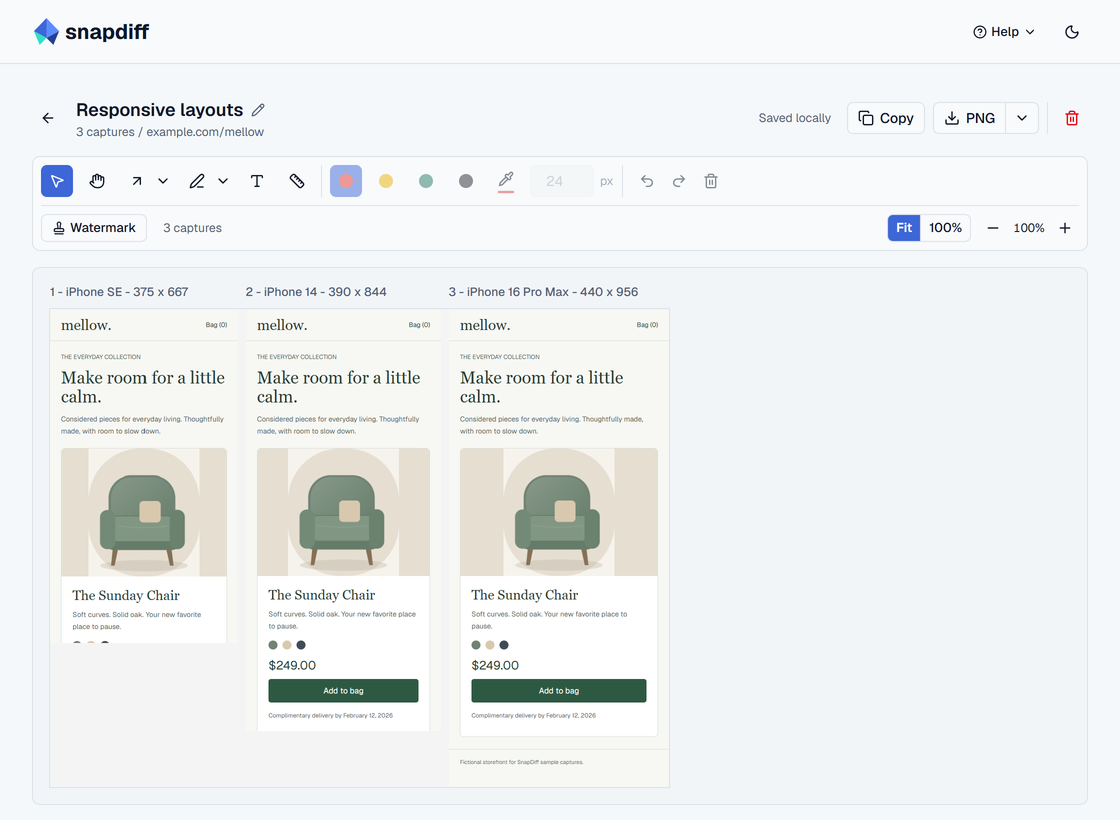
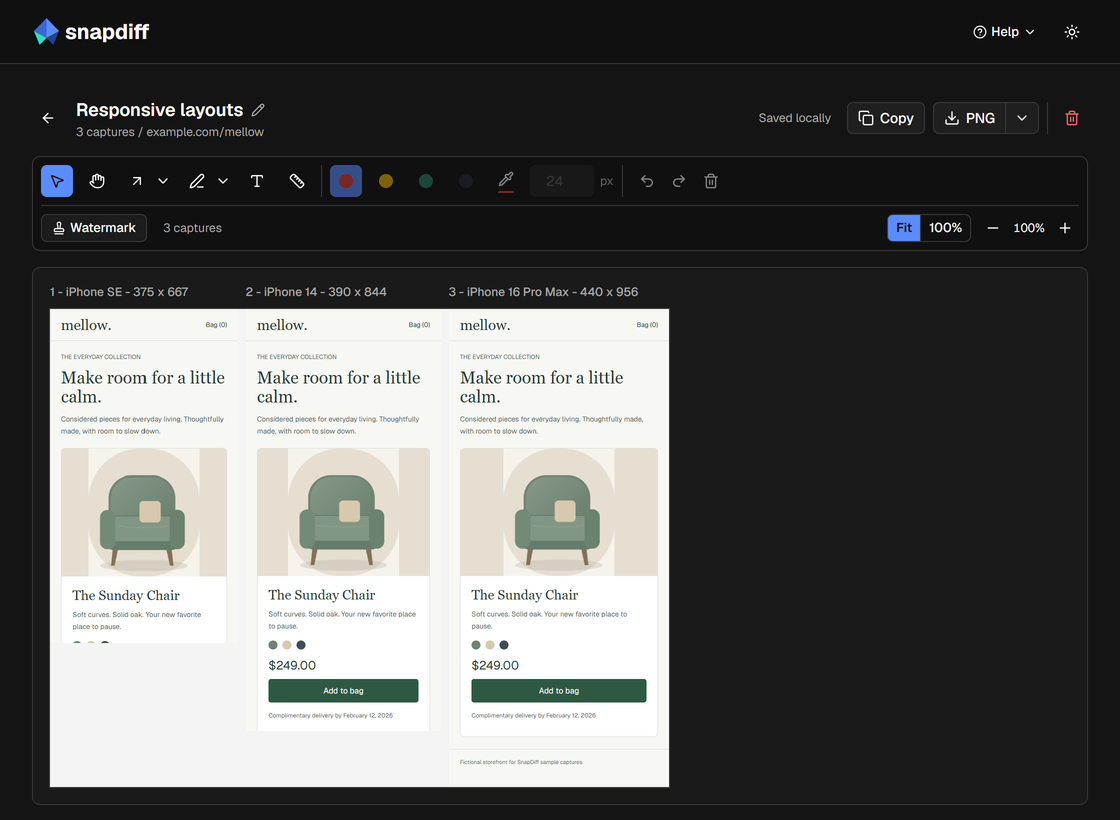
Review and share
Review the images side by side and annotate each one. Every image keeps its own dimensions, labels, and capture time. The export combines them into one image.
Resume an unfinished group from Captures. Finish or discard an existing A/B or Multi draft before starting another group.
A completed group counts as one workflow, whether it contains two images or five. For a two-image pixel comparison, choose A/B with Diff.